
iPhone

Apple Wallet
A coupon, Apple’s pass style for offers, signed with the same Pass Type ID. The NFC payload is handed over encrypted via VAS.
Offer pass · Laufwerk sports shop
A sponsor’s discount for the members of a fictional sports club, issued as an offer pass: the deal on the front, the conditions on the back. Scan the code for your phone. Every scan brings a new made-up holder and code, and the discount applies nowhere.

A coupon, Apple’s pass style for offers, signed with the same Pass Type ID. The NFC payload is handed over encrypted via VAS.

An offer object through the Google Wallet API: title, provider, details and fine print live on the class, each pass carries its code and validity. Smart Tap turned on.

Both offers for a made-up holder, drawn from the same data as the real ones. The pictures change every hour.
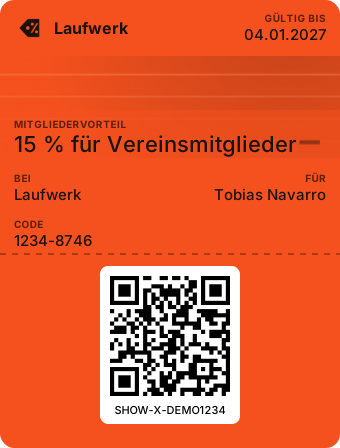
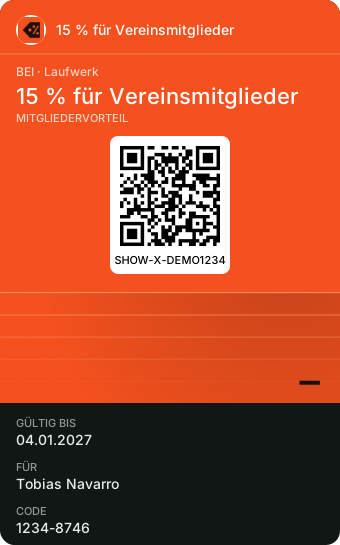
The sponsor agrees a deal with the club. The club pushes the offer to every member’s wallet, next to the membership card.
At the till the reader takes the code from the phone and the shop’s system checks that it is still valid.
Once redeemed the offer is marked, and when it ends it disappears from the wallet by itself.
The keyboard firmware for an Elatec TWN4 MultiTech reads this offer too: hold it to the reader and it types the ID, followed by Enter. It is handed out on request only, because the image carries its key in plain form.
For an ACS WalletMate II there is a key package instead: it stores the demo key in the reader’s Apple slot, and the reader decrypts the pass itself. Both come through the same request.